
SCAN TO SHOP
 Intelligent Handshake
Intelligent TV
Tap a product to open its demo. Turn your phone sideways.
Let someone scan and experience it for themselves.
Turn upright to return to demos. If rotation is locked, use Back to demos.
On iPhone, open this page in Safari, tap Share, then Add to Home Screen. Enable Open as Web App if shown, then tap Add.
Launch Intelligent TV from its Home Screen icon. Turn off Portrait Orientation Lock to switch between the selector and the TV ad.
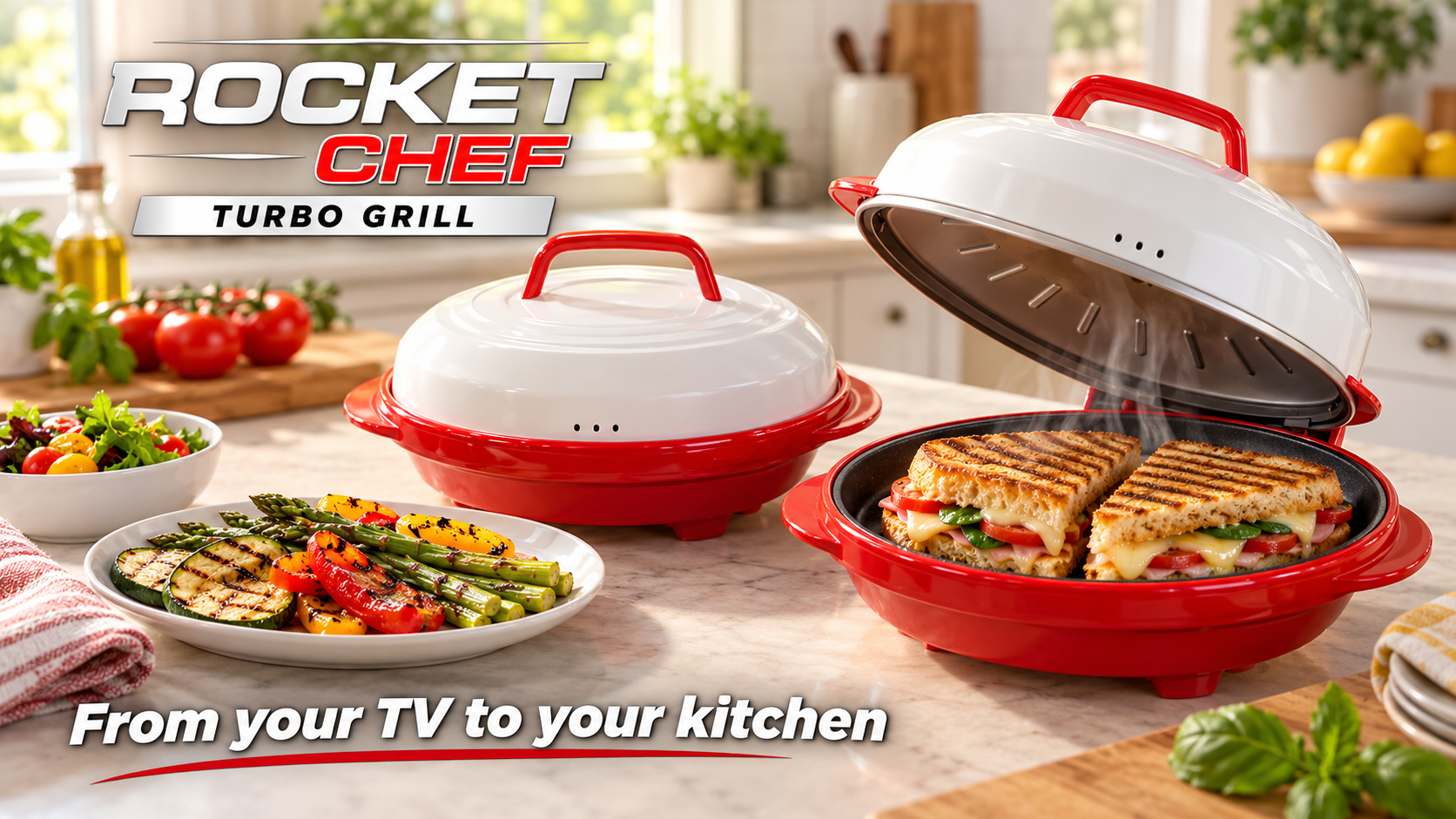
4 engagement plans. Simulated TV creative; QR codes open real demo pages. Purchase links can leave the demo.



Scan to explore the shopper demo
Scan to explore the shopper demo
Scan to explore the shopper demo
Scan to explore the shopper demo